Step 1 of 5
1
Build Room
Create the classroom students actually sit in: desks, doors, front direction and working groups.
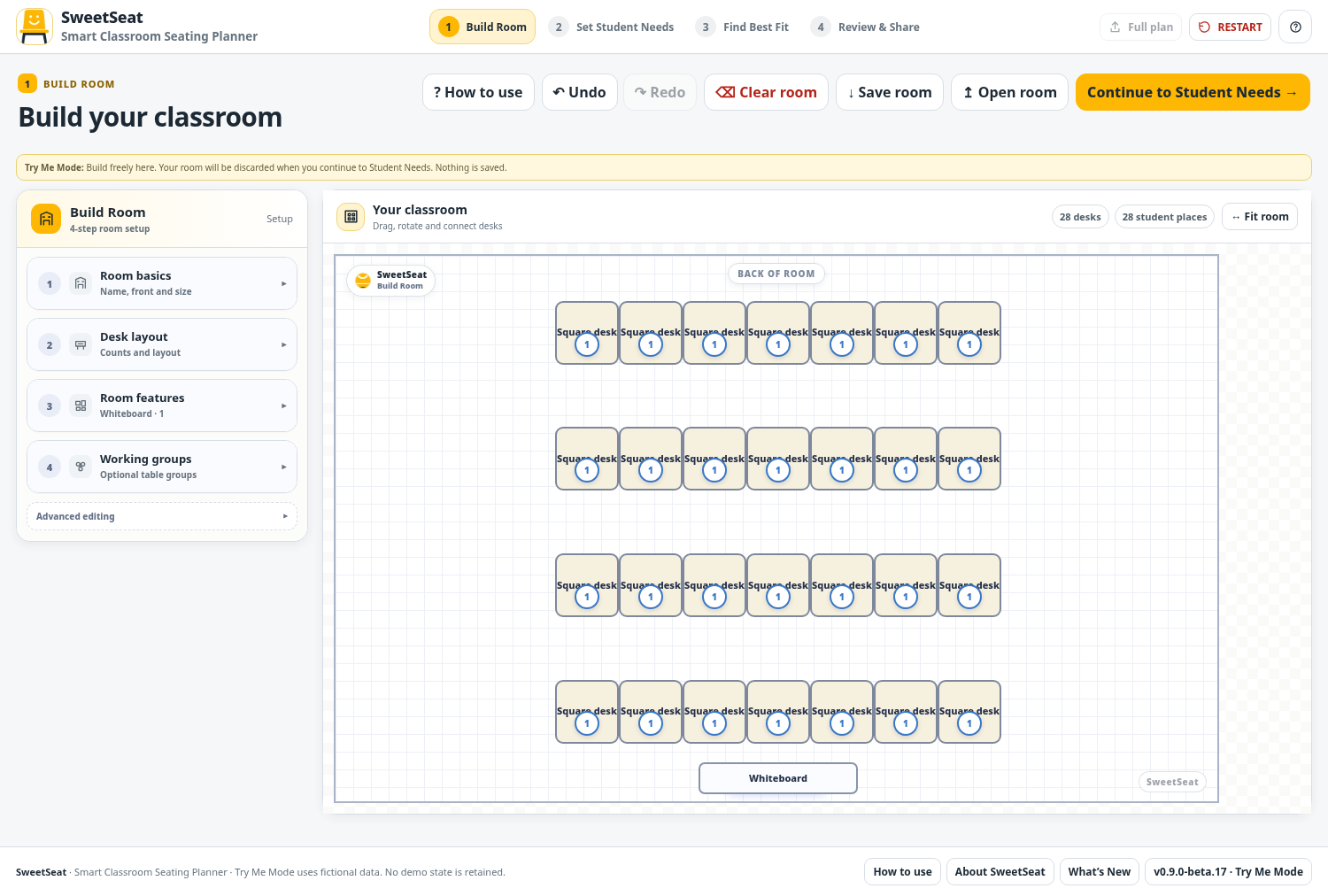
Start with your real room, add the student needs that matter, let SweetSeat search for a strong fit, then review and share the final plan. Scroll through the five steps below and see the app before you try it.

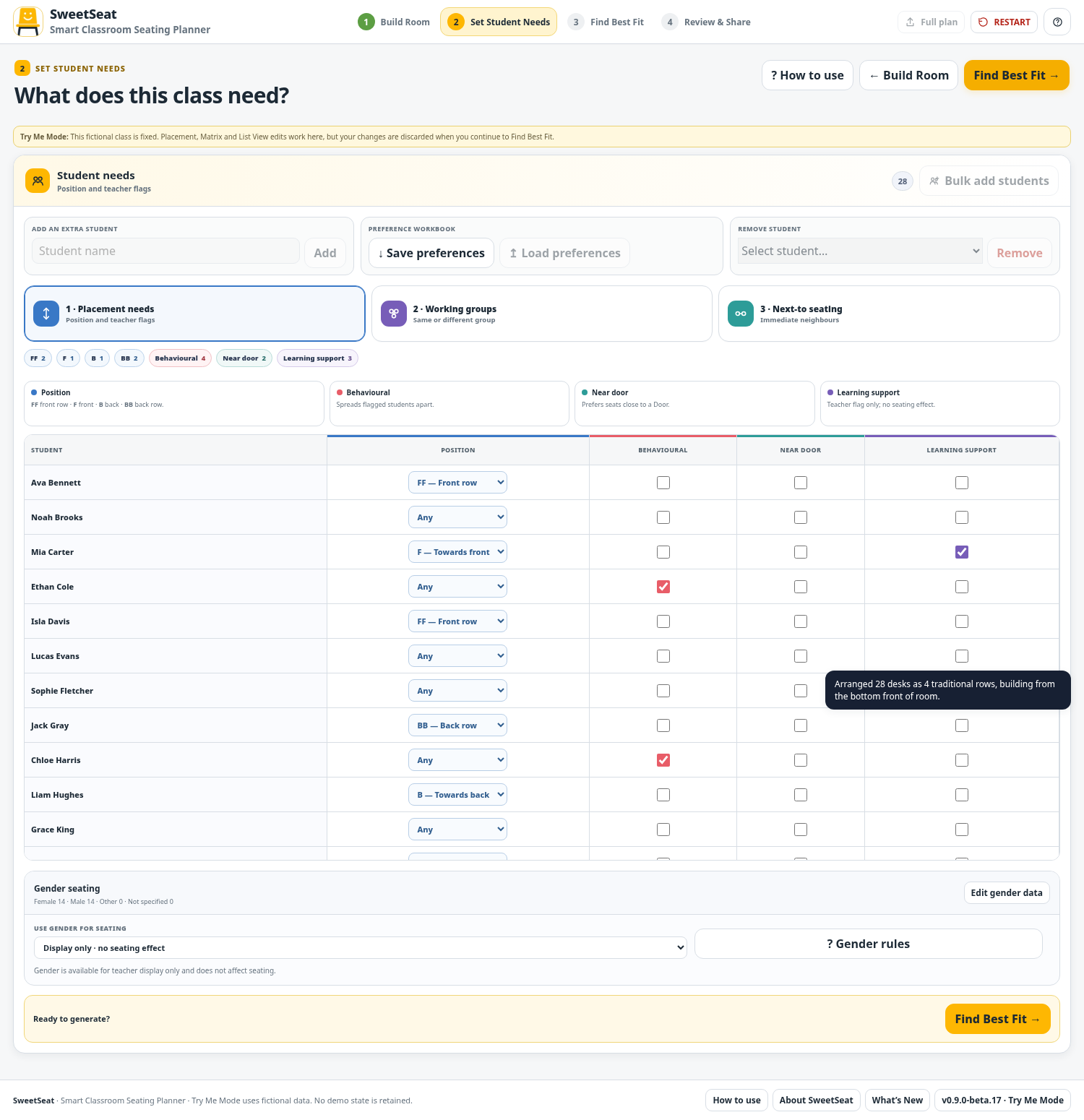


SweetSeat brings classroom layout, student placement, behavioural considerations, groups and relationship preferences into one practical planning workflow.
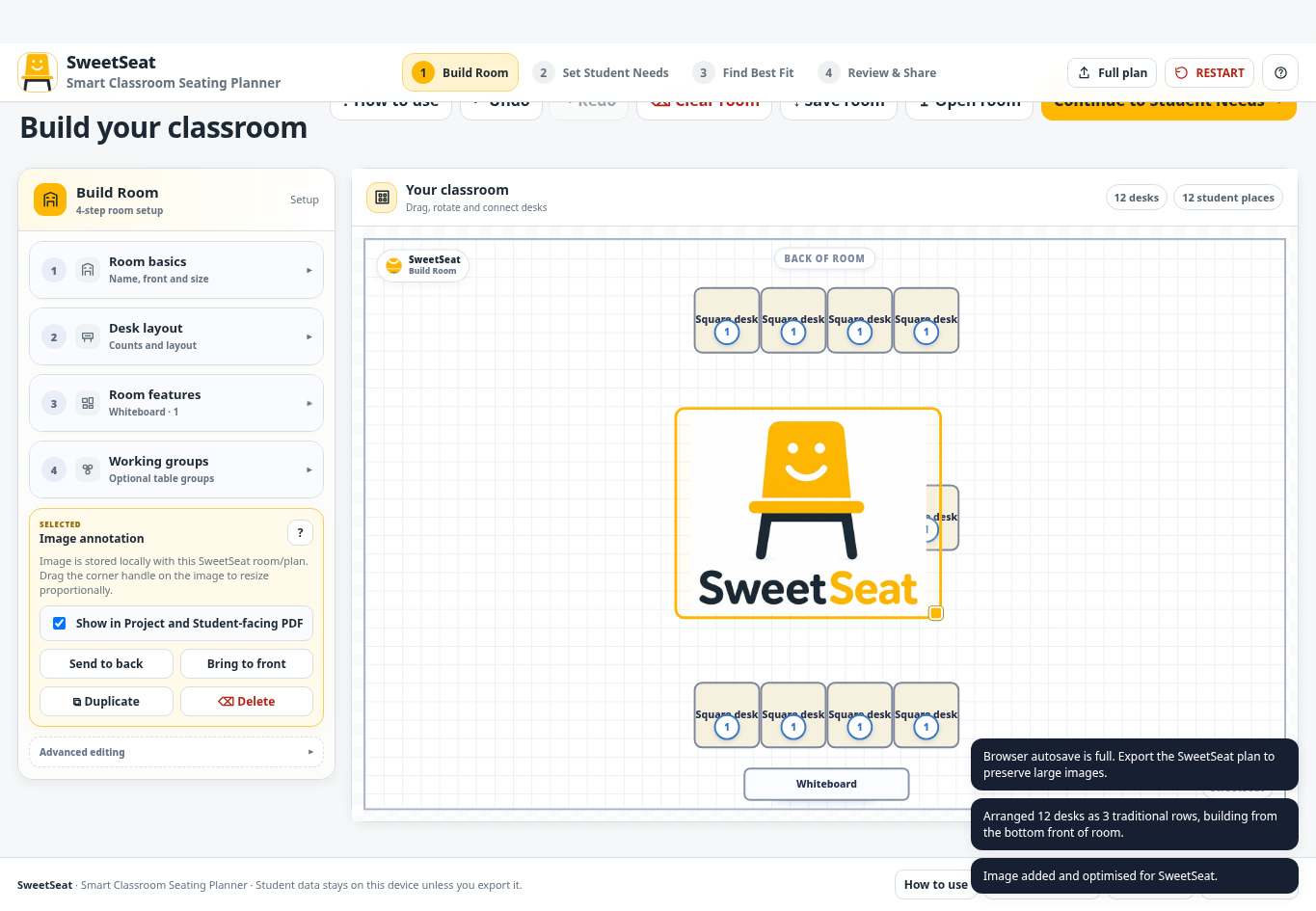
Use square, trapezoid and semicircle desks, room annotations, doors and flexible layouts instead of pretending every classroom is a grid.
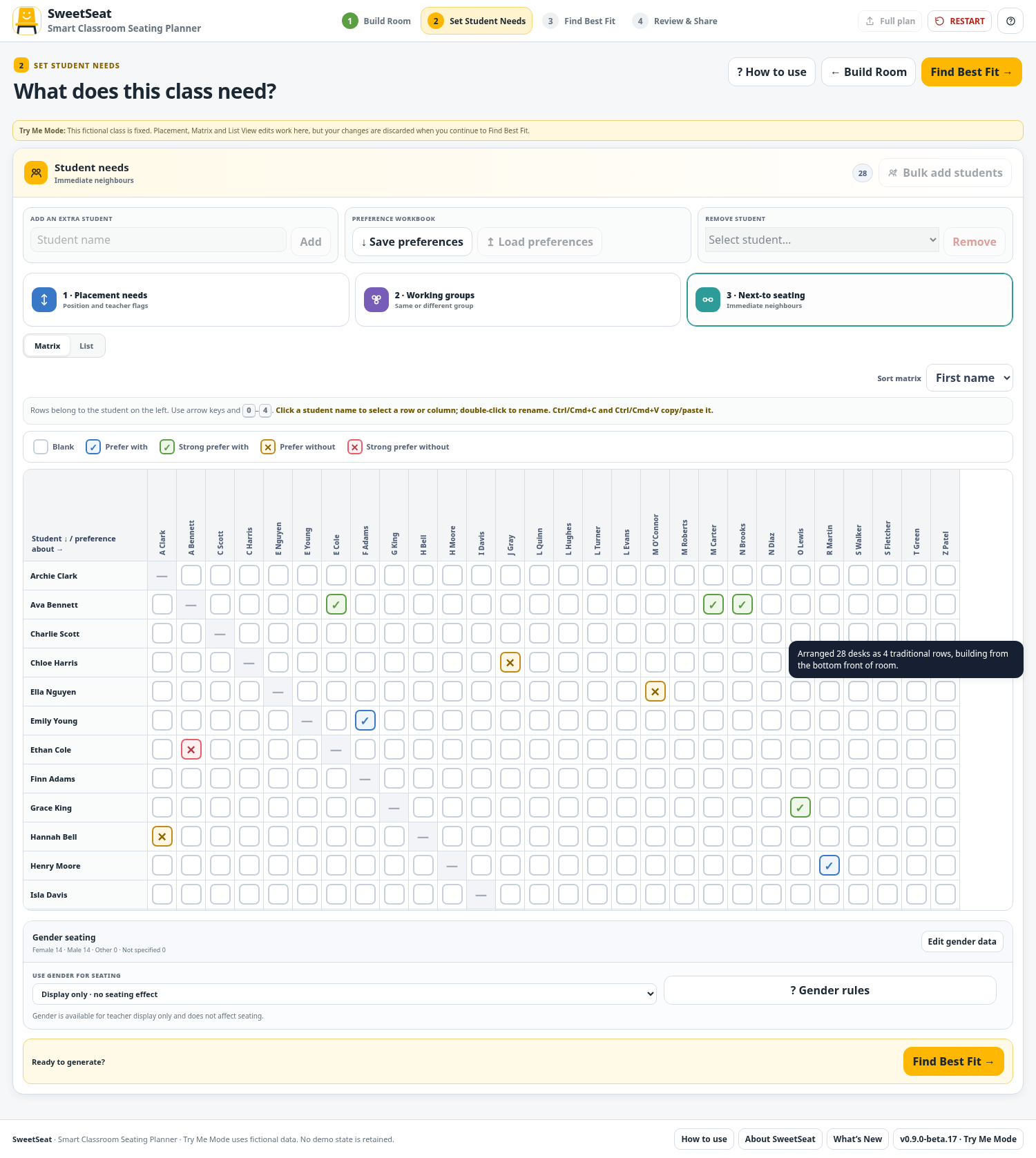
Capture placement needs, behaviour spreading, working groups, near-door needs and student or teacher seating preferences.
Use automatic seating optimisation, then inspect exactly which priorities were met and which still need teacher review.
Build the room around the furniture your students will actually sit at.
Add the needs and preferences you already consider when you build a class plan by hand.
A useful seating plan is not a magic 100% score. SweetSeat shows the fit clearly so the teacher can decide whether the compromise makes sense.
SweetSeat is a self-contained browser application. Class data is processed in the browser and autosaved locally, rather than being sent to a SweetSeat database.
“SweetSeat helps organise the information you give it. It does not decide what is best for a student, and it does not replace professional judgement, support plans or school requirements.”
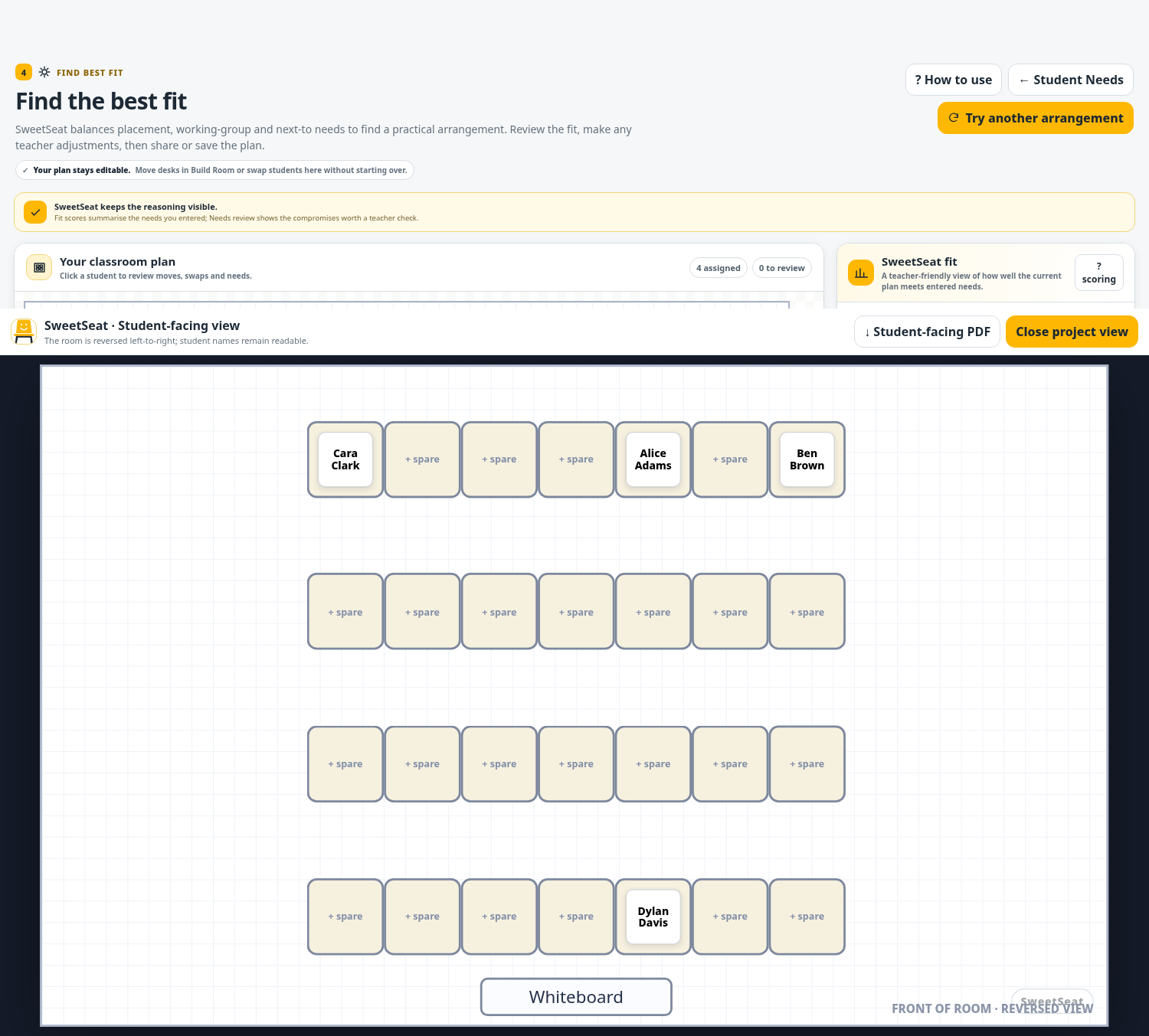
Explore the real SweetSeat workflow with fictional students. Build a sample room, change the fictional Student Needs, generate a Best Fit plan, rearrange it and preview the report. Stage changes reset the demo and no classroom record is retained.